
Principals & owners · Running the school
Choosing school management software for a small private school: a buyer's checklist
Ten questions that separate software built for a school of 200 from software built for a district of 20,000, the deal-breakers for Belize, and where Scholar fits and where it does not.
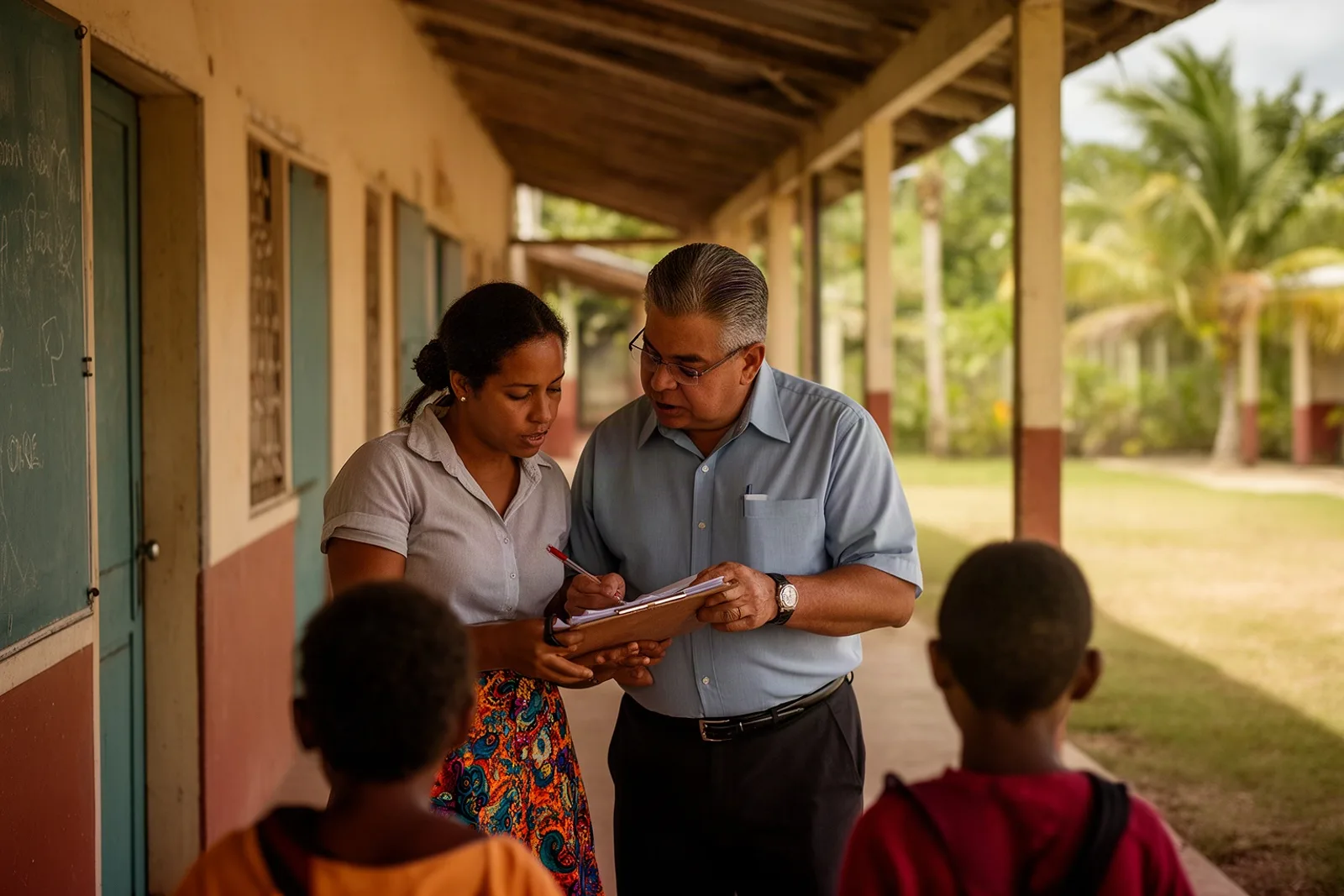
Most school software is designed for the biggest customer the vendor can imagine. The demo is built around a district office, the pricing around thousands of students, and the features around problems a 200-child school does not have. The principal of that 200-child school still has to pick something.
The problem in a Belize school day
The small school's problems are specific. One person runs the office and also answers the phone. Teachers have one device, their own phone, and ten minutes between lessons. Parents have WhatsApp and not much patience for a second app. The fee is in Belize dollars and the receipt has to be printed on the spot. The school year starts in September and has three terms.
A product that gets four of those five right and misses the fifth will be fought every day. So the checklist below is less about features and more about fit.
Ten questions to ask
- Can a teacher take attendance on a phone in under two minutes? Ask to see it on an actual phone, not a laptop.
- Does it know our levels and terms out of the box? Pre School through Standard 6, three terms. If the answer is "you can configure it", ask how long that takes.
- Is money kept in cents, with receipts? Ask them to record a payment of BZ$137.50 and print the receipt.
- Does it bill per family, with siblings together? One invoice per household, not per child.
- How does it remind families who owe? If the answer is email, ask what percentage of your parents read email.
- Can a parent see grades, attendance and balance from their own phone without calling the office?
- Does it do payroll correctly for Belize? Social security contributions, income tax and pension, not an American tax table.
- Who sees what? Can a teacher see another teacher's class? Can a parent see another family's child? The right answer is no.
- Is every change logged? When a grade changes after a report card goes out, can you see who changed it?
- What does it cost next year, all in, and how do we leave?
The Belize deal-breakers
Three of those questions are not negotiable here, and a product that fails them should be set aside however good the demo looks.
Currency and dates. A system that stores fees as decimals will eventually show a family BZ$249.99 for a BZ$250 fee, and a system on a foreign timezone will mark attendance on the wrong day for a school at UTC-6.
Levels and terms. A school should never have to explain Infant 2 to its software.
WhatsApp. It is where Belizean families already are. Reminders by email are reminders nobody reads.
Where Scholar fits, and where it does not
Scholar was built for exactly this size of school, in Belize, so the ten questions are mostly a description of it. Attendance is marked on a phone with everyone present by default and only exceptions tapped. The levels and terms are seeded. Fees are integers of cents with a receipt printed from Record payment & print receipt. Families are billed as households. Reminders go over WhatsApp and stop when the balance is cleared. Parents have a portal on the web and on the phone. Payroll computes Belize SSB, income tax and pension. Roles are strict and the audit log is on by default. The price is one flat BZ$250 a month per school, with no contract.
Now the honest part. Scholar does not take online payments; families pay at the office, and the office records it. It does not do timetabling, library or transport. It does not send SMS or email; the parent's login is handed over by the school, and reminders are WhatsApp. If any of those is a deal-breaker for you, say so at the demo and we will tell you plainly whether it is on the roadmap.
What to expect
A good choice feels boring a term later: the office runs the month, teachers mark their registers, parents stop calling to ask what they owe. The two things that most decide whether a school gets there are the quality of the first data load and whether the teachers actually use the phone app. Ask any vendor, including us, how they handle both.
See it with your own school
Bring the checklist. We will answer all ten in the demo, with your levels and fees loaded, and show you the parts we do not do as readily as the parts we do. Book a free demo.
Related: How much should school management software cost a small private school, What is a student information system, and does a small primary school need one, and Local by design on the site.
See Scholar with your own school in mind.
A free, no-pressure demo — set up with your levels, terms and fees.
Book a free demo