
Principals & owners · Running the school
What is a student information system, and does a small primary school need one
A student information system is one record per child that the whole school works from. Here is what that means in practice, where spreadsheets stop, and what a small school should look for.
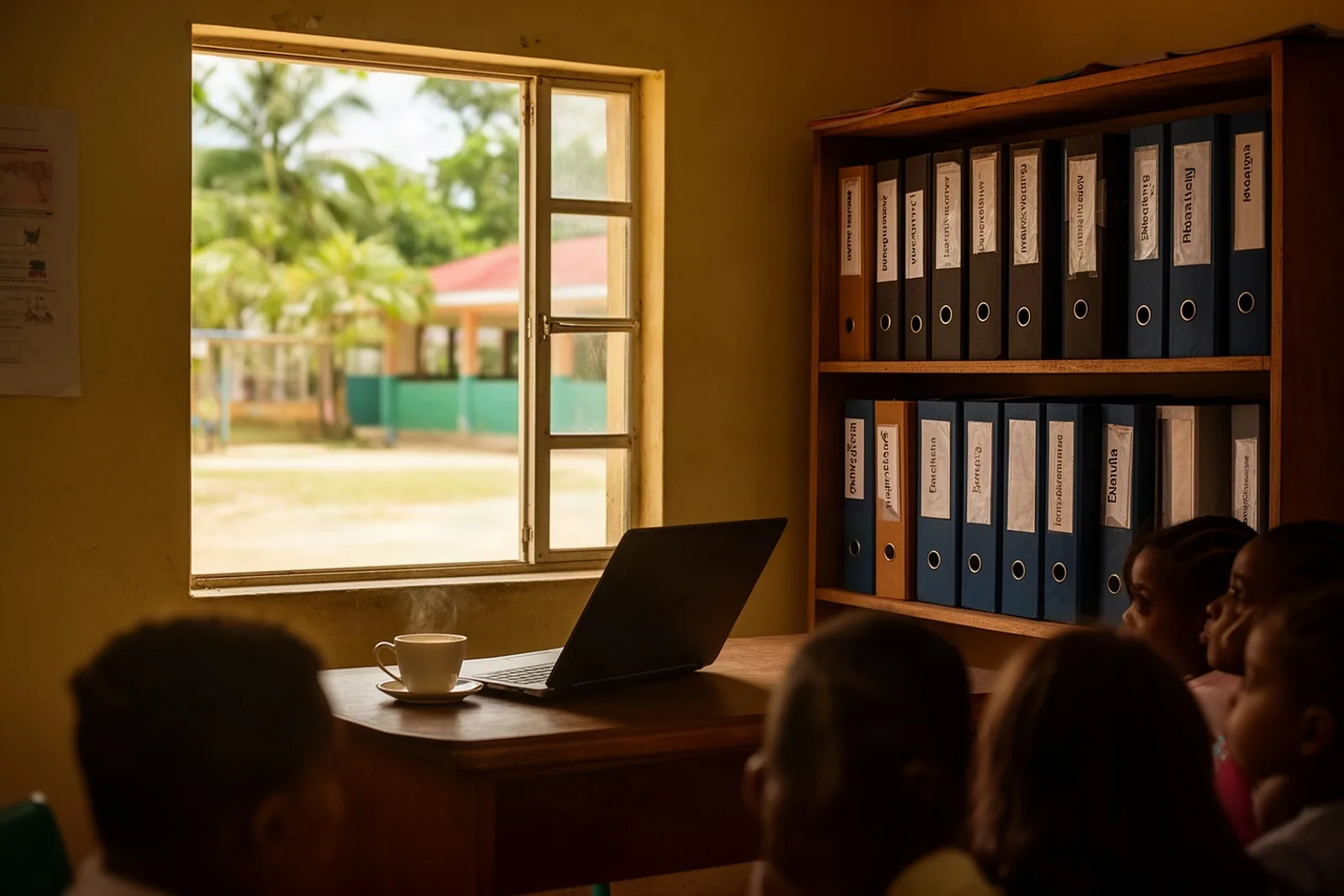
Ask three people at a school where a child's record is and you will get three answers. The admissions form is in the filing cabinet. The attendance is in the teacher's register. The fees are in the bursar's book. The child, meanwhile, is in Standard 2, and nobody has a single page that says so with everything else.
A student information system, usually shortened to SIS, is that page.
The problem in a Belize school day
A small school does not lack records. It has too many of them, kept in too many places by too many people, each correct about its own corner. The trouble shows up at the seams: when a family moves house and the new address reaches the office but not the class teacher, when a child's sibling enrols and gets a second family file, when a report card needs attendance figures that live in a different book.
Spreadsheets are the usual first attempt at stitching this together, and for a year or two they work. Then the sheet has 300 rows, three people editing it, no record of who changed what, and a column called "notes" doing the job of five fields. Nobody is to blame. A spreadsheet is a grid, and a school is a set of relationships: this child belongs to this family, is in this class, this year, with this teacher, owing this much.
What a student information system holds
At its core, an SIS keeps one record for each child and connects it to everything else:
- Who they are: name, date of birth, admission number, any allergies or medical notes, an emergency contact.
- Who pays for them: their family, so that siblings are billed together and a parent sees all their children in one place.
- Where they are: enrolled in a particular class, at a particular level, for a particular school year, with a history as they move up.
- What happens to them: attendance day by day, marks in each subject, report cards each term, homework posted to their class.
- Who may see all this: the principal everything, the class teacher their classes, the parent only their own children.
The value is not any one of those. It is that they agree with each other, because they are the same record.
How it works in Scholar
In Scholar, the child's record is the home page for everything about them. The office creates it under Students → Add student with the name, date of birth and family, or imports the whole roll at once from a spreadsheet under Students → Import. The admission number suggests itself as the next in sequence; "Enrolled on" is already today.
From that record the connections run outward. Enrol the child in a class and they appear on the teacher's attendance register and in the gradebook the same day. Record a payment for the family and the child's page shows it. Publish a report card and the parent sees it from their own login.
Each role sees the right slice. A teacher opening attendance sees only the classes they teach. A parent opening the portal sees only their own children, their balance and their report cards. The principal's dashboard shows the whole school: active students, today's attendance, fees outstanding. And every change that touches money, grades or logins is written to an audit log with who did it and when, in Belize time.
What to look for at a small school
Not every SIS is built for a school of 200. A few questions sort them quickly.
Does it work on a phone? Teachers mark attendance standing at the classroom door, not at a desk.
Does it know your levels and terms? A system that calls everything "Grade 4" and runs on semesters will fight you every September. Scholar is seeded with Pre School, Infant 1 and 2, and Standard 1 to 6, with three terms, because that is how Belize does it.
Does it do money in your currency, to the cent, with a receipt? Fees are where a half-finished system hurts most.
Does it reach parents where they are? In Belize that means WhatsApp, not email.
Can you leave? Your data should be exportable and your contract short.
What to expect
Moving onto an SIS is mostly a data job, not a technology job. The hard part is the first clean list: every child, their family, their level, and what the family owes today. Once that is in, the system earns its keep every month without ceremony.
What it will not do is make decisions. A system tells you a child has been absent six days this term; a teacher decides what that means. That division of labour is the point.
See it with your own school
If your records live in three places today, we will show you what they look like on one page. Book a free demo.
Related: Choosing school management software for a small private school: a buyer's checklist, Spreadsheets vs a school management system: an honest comparison, and the features overview.
See Scholar with your own school in mind.
A free, no-pressure demo — set up with your levels, terms and fees.
Book a free demo