
Principals & owners · Fees & money
12 fee reminder messages schools can send on WhatsApp
A tone ladder from friendly to firm, written for Belize families, plus how to make the gentle ones send themselves and stop the moment a balance is cleared.
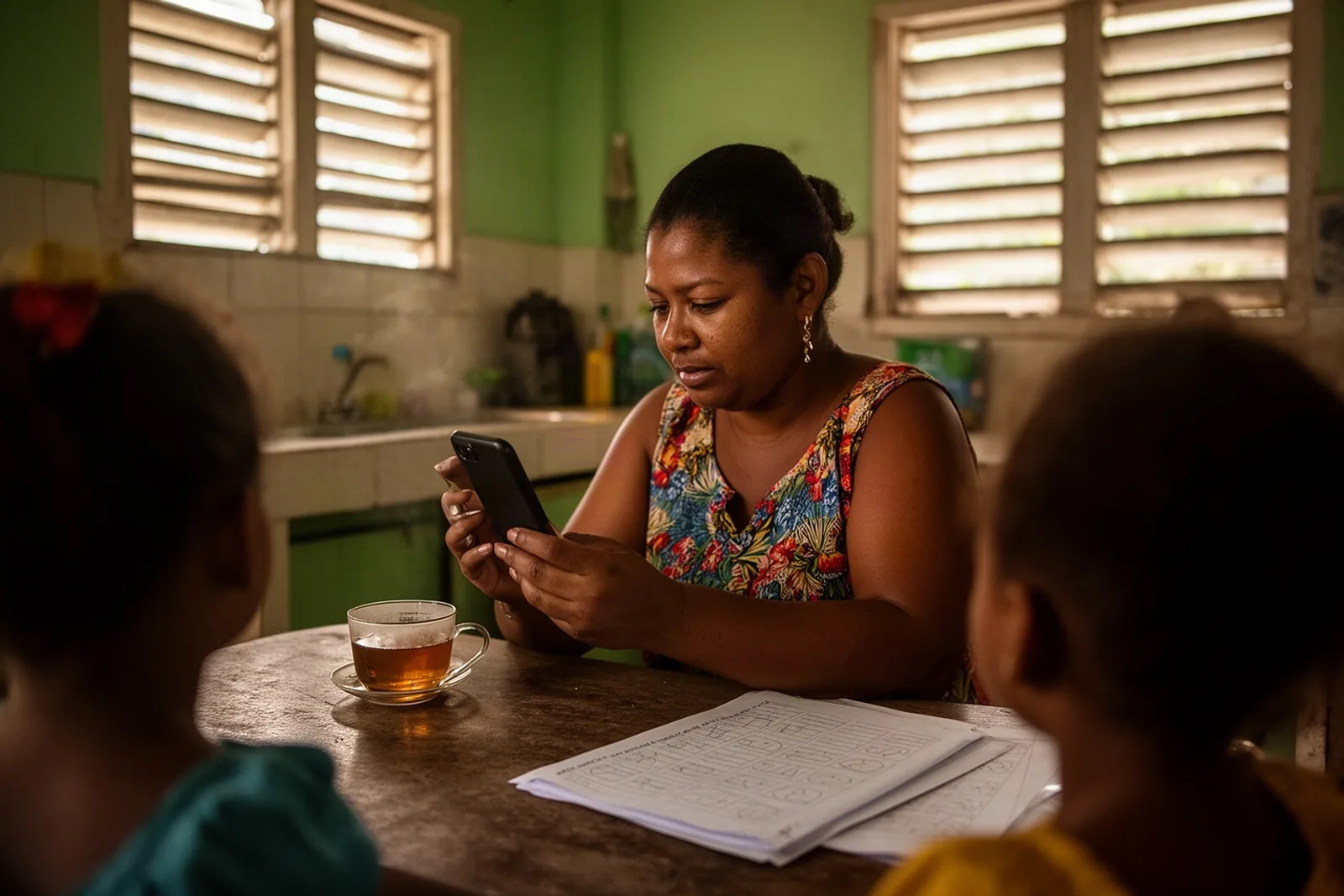
Every school office has one person who is good at the awkward message. They know when to say "just a reminder" and when to say "we need to talk". The trouble is that one person is also doing admissions, the phone, and the photocopier. These twelve messages are written so that anyone in the office can send them, and so that the first four can send themselves.
The problem in a Belize school day
WhatsApp is where Belizean families already are. A parent who ignores a letter in a schoolbag will read a WhatsApp inside a minute. But a message typed in a hurry at 4:50pm tends to come out either too soft to act on or sharper than the school meant. And the same family gets the same message three months running, because nobody remembers who was nudged last week.
A reminder works when it has three things: the parent's name, the exact amount, and a tone that matches how late the payment is. Below, the amount is written as {amount} and the name as {name}, because those are the two things that must never be wrong.
Twelve messages, from gentle to firm
First nudge, a few days before the due date
"Good morning {name}, a friendly note from {school}: September fees of {amount} are due this Friday. Thank you for keeping the children's year on track."
"Hello {name}, {school} here. Just a reminder that {amount} is due by the end of the month. If you have already paid, please ignore this message."
On or just after the due date
"Good day {name}. {school}'s records show a balance of {amount} as of today. You can pay at the office any weekday between 8 and 3. Thank you."
"Hi {name}, this is {school}. The balance on your family account is {amount}. If something has changed at home, reply here and we will work something out."
A week or two late
"Good afternoon {name}. We have not yet received {amount} for this month at {school}. Could you let us know when we can expect it? A reply by Friday would help us plan."
"Hello {name}, a second reminder from {school}: {amount} is now outstanding. Payments can be made by cash, cheque or transfer at the office."
Partial payment received
- "Thank you {name}, {school} has received your payment today. The remaining balance on the account is {amount}. A receipt is ready at the office or in your parent portal."
Arrangement agreed
- "Thanks for speaking with us, {name}. As agreed, {school} will expect {amount} by the 15th. We have paused the automatic reminders until then."
Clearly overdue
"Good morning {name}. The balance of {amount} at {school} is now more than a month overdue. Please visit the office this week, or reply here to arrange a time to talk."
"{name}, {school} needs to resolve the outstanding balance of {amount} before the end of term. Please contact the principal's office by Thursday."
Before a consequence
- "Dear {name}, this is a final reminder from {school}. Unless {amount} is paid or an arrangement made by {date}, report cards for the term cannot be released. We would much rather talk than hold them."
Paid in full
- "Thank you, {name}. Your {school} account is fully paid. We appreciate it, and the children do too."
Notice what the firm ones do not do. They do not mention the child by name in front of the class, they do not threaten in the first message, and they always leave a door open: reply here, visit the office, arrange a time.
How it works in Scholar
Messages 1 to 4 are the ones that should send themselves, and in Scholar they do. The office opens Settings → WhatsApp, ticks Enable WhatsApp messaging, and under Auto reminders chooses the Cadence in days. Press Save settings. From then on, every family with a balance gets the reminder on that cadence, with their own name, amount and the school's name filled in. The moment the balance reaches zero, the reminders stop for that family; nobody has to remember to switch them off.
Press Send a test first to see the message on your own phone. If month-end has arrived and you want everyone owing to hear from you today, press Remind all owing now.
Messages 5 to 11 belong to a person, and Scholar keeps them personal. Open the family's statement under Billing → Families, where the balance, every invoice and every payment are in front of you, and press Send reminder now for a one-off message, or Pause auto while an arrangement is in place. A note at the bottom tells you whether each message was sent, skipped or failed, and the Reminder log on the WhatsApp settings page keeps the history.
Because Scholar sends through the official WhatsApp business platform, the automatic message is a template that Meta approves once. The wording in your template can carry three fields, the name, the school and the amount, which is exactly what these messages need.
What to expect
The first week is quiet. Templates take a day or two to be approved, and the office needs a phone number saved on each parent's record before anyone can be reminded. After that, most schools find the automatic cadence does the work that used to take a Friday afternoon, and the personal messages become rare and better.
A caution from experience: send the gentle ones generously and the firm ones sparingly. A family that gets message 1 and message 3 on their phone and then clears the balance should get message 12, every time. Scholar cannot write that one for you, but it will tell you the second they qualify for it.
See it with your own school
Bring a copy of last month's list of who owes what, and we will show you how it looks when the reminders have already gone out. Book a free demo.
Related: School fee collection: why families pay late and what actually fixes it, Private school parent communication: which channel for what, and the parent portal where families see the balance for themselves.
See Scholar with your own school in mind.
A free, no-pressure demo — set up with your levels, terms and fees.
Book a free demo