
Principals & owners · Fees & money
School fee collection: why families pay late and what actually fixes it
Most late fees are not refusals. They are a balance nobody can see and a payment nobody has reminded. Here is what a small school can change this term.
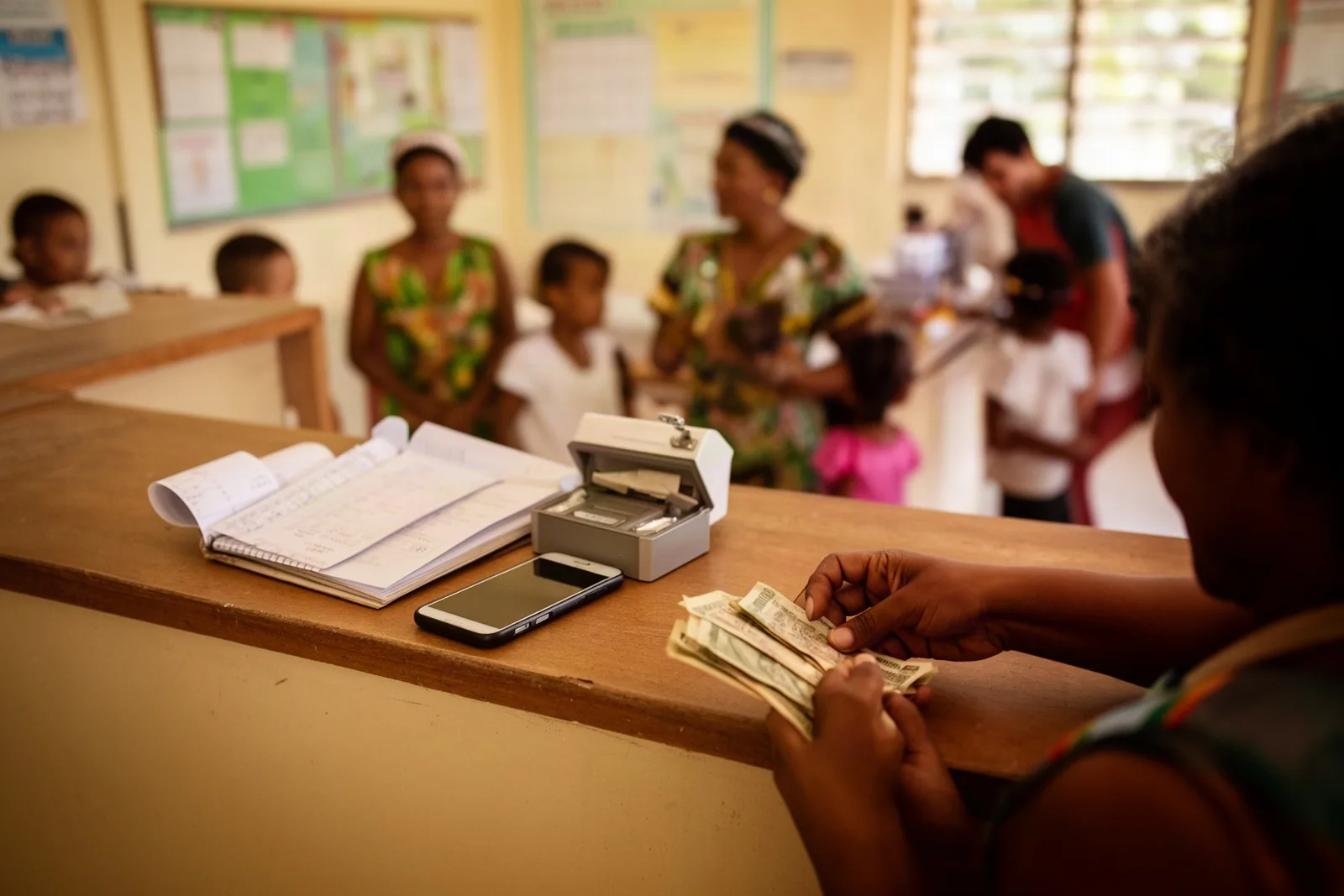
It is the second week of October. The office has a list of families who have not paid September, written on the back of an envelope, and the principal is deciding who to phone first. Three of the names on that list will say the same thing: "I did not know how much we owed."
That sentence is the whole problem.
The problem in a Belize school day
At a small private school, fees arrive in a hundred small ways. A parent stops by with cash on a Tuesday. An uncle sends a transfer with no name on it. Someone pays for two children but the receipt book only lists one. By the end of the month the office knows roughly who has paid, and the families know roughly what they owe, and both are a little wrong.
The families who pay late are mostly not the families who cannot pay. Research on affordable private schools keeps finding the same thing: parents delay because paying is inconvenient and the amount is unclear, not because they refuse (Varthana). A reminder that arrives as a phone call from the principal adds pressure without removing the inconvenience. The parent still has to find out the balance, remember which months are covered, and get to the office with the right money.
So the fix is not a sterner phone call. It is three plain changes: a balance anyone can see, a reminder that arrives on its own, and a receipt that proves the money landed.
How it works in Scholar
Scholar bills each family once a month for every child enrolled. On the first of the month, the office opens Billing → Generate, confirms the Billing month and the Due date (it is already set to the last day of the month), and presses Generate invoices. One invoice per family, one tuition line per child, at the fee you set for that child's level. Running it twice is safe; it never double-bills.
From that moment, every family can see what they owe. A parent opens the portal on their phone and the first thing on the home screen is the Family balance card: one number for all their children together, with "Amount due", "All paid up" or "Credit on account" underneath. Tap it and they see each month's invoice and every payment they have made. Nobody has to ask the office for the figure.
When a parent comes in to pay, the office opens Billing → Record payment, starts typing the family's name, and the amount fills in with the full balance owed (editable if they are paying part). Choose cash, cheque, transfer or card, and press Record payment & print receipt. The receipt opens ready to print, with a receipt number, and the family's balance drops the same second. If a parent loses the paper, the office opens the family's statement, finds the row under Payment history, and presses Receipt to reprint it.
The third change is the one principals notice most. Under Settings → WhatsApp, tick Enable WhatsApp messaging, then under Auto reminders set a cadence in days and press Save settings. From then on, families who owe money get a short, friendly WhatsApp message on that cadence, with their name, the amount and the school's name. The moment their balance reaches zero, the reminders stop on their own. There is nothing to switch off and nobody to remember.
If one family has an arrangement, open their statement and press Pause auto; the office can still press Send reminder now for a one-off nudge, and Resume auto later.
What to expect
The first month is mostly about the data. Before the first run, every child needs a family (Scholar calls it a household) and every family that is already behind needs its opening balance entered as a charge, or the system will show them as paid up. Our onboarding pack asks for both; it is worth the hour.
Reminders need two things to work: a phone number saved on the parent's record, and WhatsApp set up under Settings. Scholar uses the official WhatsApp business platform, so a message template has to be approved once before the automatic reminders go out. Until then, the balance is still visible in the portal and receipts still print, so the first two changes land on day one.
Payment itself still happens the way it does now, at the office, by cash, cheque, transfer or card. Scholar records it; it does not take the money for you.
What schools tell us changes first is the tone of the conversation. When a parent already knows the number, the call from the office stops being an accusation and becomes a question: "Would Friday suit you?"
See it with your own school
If September's list is still on an envelope, we would like to show you how the same list looks when it writes itself. Book a free demo and we will set it up with your own levels and fees.
Related: 12 fee reminder messages schools can send on WhatsApp and Never miss a fee payment: how reminders and receipts work for families. Everything Scholar does for the office is on the features page.
See Scholar with your own school in mind.
A free, no-pressure demo — set up with your levels, terms and fees.
Book a free demo