
Parents · Parents
The parent portal: what you can see about your child, and who cannot
Your child's attendance, grades, report cards and the family's balance, from your own phone, whenever you like. A plain tour of the parent portal, and of who else is allowed to look.
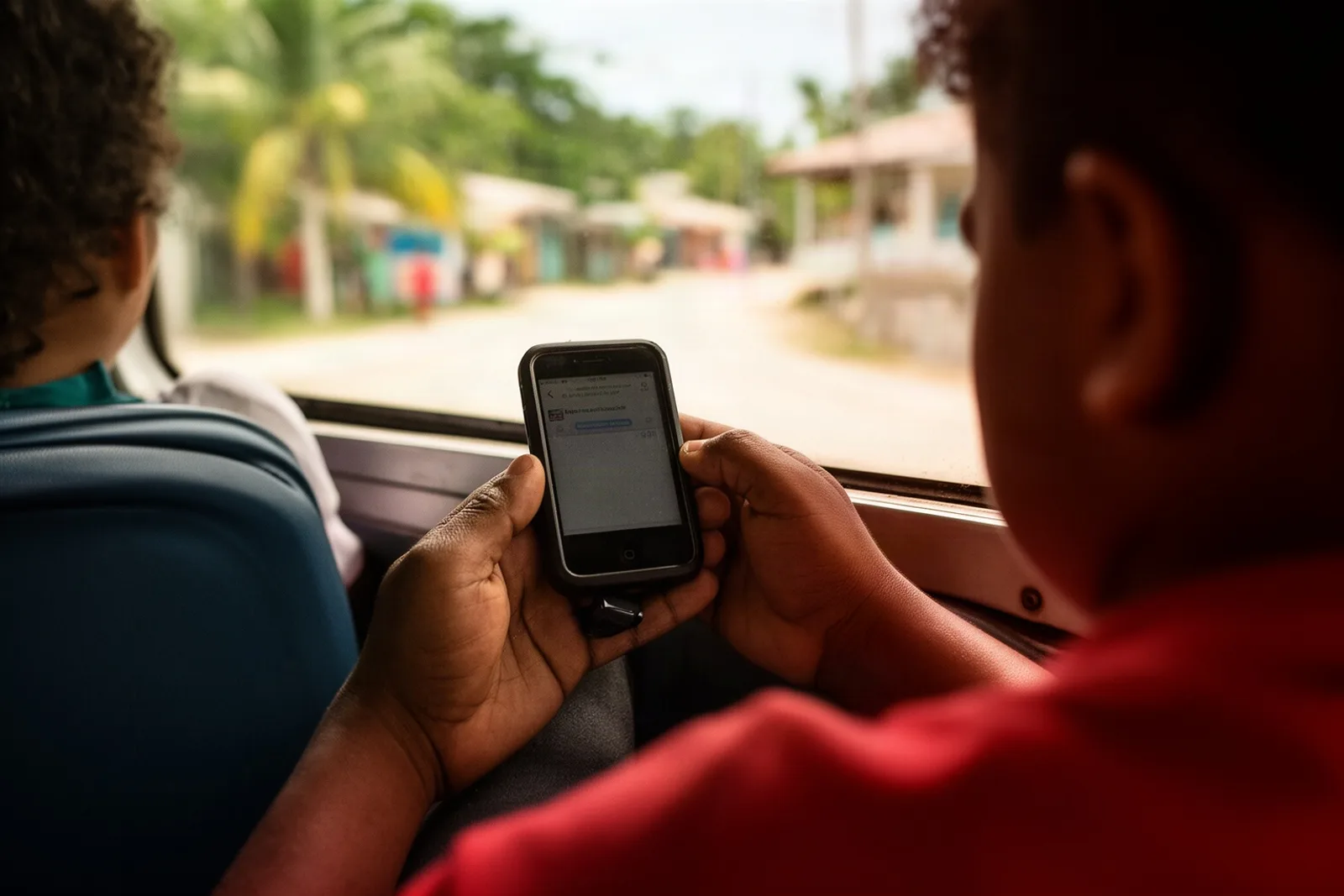
Most of what a parent wants to know about school is not dramatic. Was she there today. How is the maths going. Did the report card come out. What do we owe. The portal is the place where those answers already are, so the question never has to be asked.
The problem in a Belize school day
Until now, each of those questions had a different route. Attendance meant asking the child. Grades meant waiting for the report card. The report card meant checking the schoolbag. The balance meant a call to the office, during office hours, from a phone with credit.
Each route works. Each costs a little, and the costs add up to not knowing.
What you can see
Sign in and the home screen shows your children, one card each, with their class, and at the top the Family balance for all of them together: what is due, or "All paid up", or a credit on the account.
Tap a child and their page opens on the current term, with tabs for the other terms. Attendance shows days present, absent, late and excused for the term, with half days counted as halves, so a morning at the clinic shows as half a day rather than a full absence. Grades lists each subject with the term average so far and the letter grade from the school's scale. Below that are the teacher's recent notes about the child, and the homework posted to the class with its due date.
Report cards appear here once the school has published them. Open one and press Print / Save PDF to keep a copy; a published card is frozen, so the one you save is the one the school issued.
Tap the balance card and you are in Payments: each month's invoice and what it covered, every payment the school recorded, and a Print receipt button on each so a lost paper receipt is never a problem.
News carries the school's announcements, everyone's or just your child's class, and they stay there until you have read them. Messages is where you write to the school; from your child's page, press Message teacher and the class teacher is already chosen.
Who cannot see this
Only you, and the school. Your login shows your own children and nobody else's. Another parent, however well they know your family, sees only theirs. A teacher sees only the classes they teach. The school's administrators see the whole school, and every change they make to money, grades or logins is recorded with their name and the time.
Your login comes from the school, not from signing up online: the office creates it, hands you a temporary password in person, and you choose your own the first time you sign in. Nothing about your child is sent by email or text message; it is in the portal, behind your password.
What to expect
The portal reflects what the school enters, as they enter it. Attendance appears as the teacher saves the register; grades appear as scores are entered through the term; report cards appear when the office presses publish. A quiet week in the portal usually means a quiet week at school, not a fault.
Payment still happens at the school office, by cash, cheque, transfer or card. The portal tells you the amount and gives you the receipt; it does not take the money. If the school has set up WhatsApp reminders, a short message will arrive when a balance is due and stop the moment it is paid.
If something looks wrong, the school can see exactly what you see, so a photo of the screen is all you need to show them.
A week in the portal
Monday evening, the balance card says a payment is due on Friday. Tuesday, a WhatsApp reminder arrives with the amount, because the school has reminders switched on. Wednesday, the Infant 2 teacher posts homework for Friday; it appears on your daughter's page, and a notification says so. Thursday, your son's class had a reading test; the mark is in his Grades the same afternoon, under English, and the term average has moved a little.
Friday morning, you pay at the office on the school run. The receipt prints while you wait, and by the time you are back in the car the balance card says "All paid up" and the reminders have stopped. Friday afternoon, a note from the teacher appears under your daughter's recent notes, something kind about the reading.
The following week is quiet, which means the week at school was quiet. At the end of term, the report cards appear under Report cards on each child's page on the day the school publishes them, with a Print / Save PDF button, and the attendance line on them matches the figures you have been able to see all term.
None of that required a phone call to the office, and nothing arrived by email or text; it was all behind your password, when you had a moment to look.
See it with your own school
Parents cannot book a demo for a school, but principals can, and most schools bring a parent along. If your school is thinking about it, send them here: book a free demo.
Related: How to read your child's report card, Never miss a fee payment: how reminders and receipts work for families, and the parents' section on the site.
See Scholar with your own school in mind.
A free, no-pressure demo — set up with your levels, terms and fees.
Book a free demo