
Principals & owners · Running the school
Report cards at the end of term: from gradebook to published in an afternoon
If the marks are in the gradebook, the report cards already exist. What remains is remarks, a review, and one press of Publish all drafts.
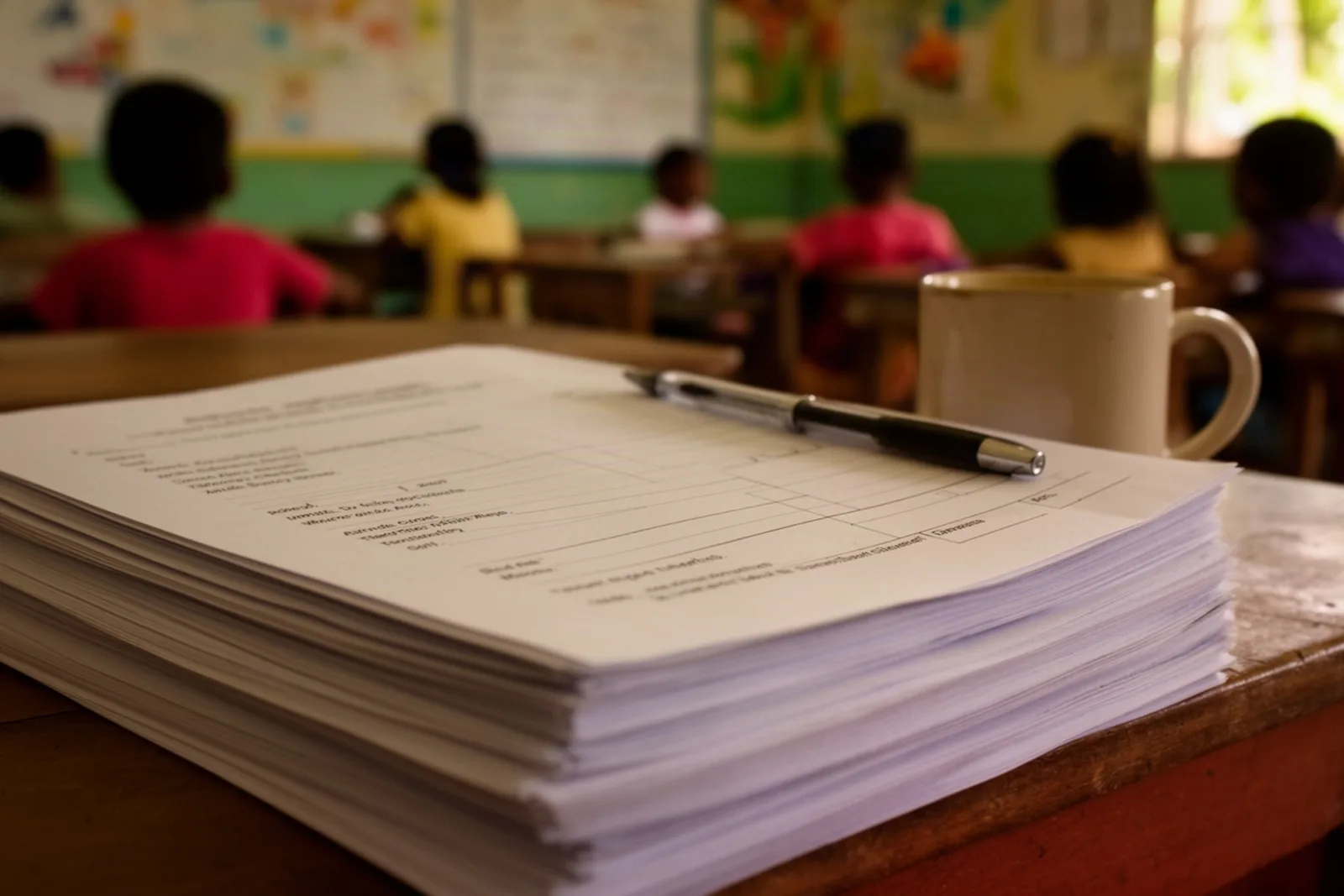
The last week of term has a particular sound at a small school: the photocopier, and a principal at 9pm checking averages with a calculator. The report cards are not late because anyone was slow. They are late because the marks live in one place, the attendance in another, and the card has to be assembled by hand from both.
The problem in a Belize school day
A report card is a summary of things the school already knows: every mark in every subject this term, how many days the child was present, and what the teacher and the principal think. When those things are in separate books, the summary is a week of copying. When they are in one system, it is a button.
The second problem is the week after. A parent queries a grade, a teacher finds a mark entered in the wrong column, and the card that went home no longer matches the gradebook. Now there are two versions of the truth and no record of which one the family saw.
How it works in Scholar
Scholar's report cards are built from the gradebook and the attendance register, so the afternoon goes like this.
Open Report Cards and pick the term. Press Generate / refresh drafts. For every child in every class, a draft appears with each subject's term average (worked out from the weighted assessment types the school set in Settings → Grading), the letter grade from the school's scale, and the term's attendance in days, with half days counted as halves.
Open a draft and the remarks are the only thing left to write. The class teacher fills in Teacher's remarks and Conduct; the principal fills in Principal's remarks; press Save remarks. Remarks can be changed at any time, before or after publishing.
Review a few. The grade on the card is the same number the teacher sees under Term averages in the gradebook, not a recalculation, so if it looks wrong, the fix is in the gradebook and Generate / refresh drafts picks it up.
Then press Publish all drafts. Every family can see their children's report cards in the parent portal that moment, with a Print / Save PDF button of their own. The office prints what it needs with the same button; the PDF is clean, carries the school's logo, and prints on an ordinary printer.
Publishing takes a snapshot. A card that has gone out keeps its numbers even if a mark is edited later, so the version the family saw is the version on record. If something genuinely has to change, Unpublish the card, correct the gradebook, refresh and publish again; the audit log records every step.
What to expect
The afternoon is only an afternoon if the term's marks are in. The most useful habit a school picks up with Scholar is teachers entering scores as they mark, under Enter scores and Save scores, rather than in the last week. The term averages update as they go, so the principal can see in week eight which subjects are still thin.
Attendance comes from the register the same way. If a class has days unmarked, the attendance line on the card will be short, and the fix is in the register, not on the card.
Remarks are the human part and should stay that way. Scholar gives you a box; it does not write the sentence.
One limit worth knowing: the card's layout is Scholar's, with your logo and name on it. Schools that need a particular format for a secondary-school application can print the card and attach it; the layout itself is not customisable beyond the branding.
The afternoon, hour by hour
Two o'clock. The principal opens Report Cards, picks the term, and presses Generate / refresh drafts. Two hundred drafts appear in under a minute, each with the term's subject averages, letter grades and attendance already filled in.
Quarter past two. Teachers, in the staffroom or at home on their phones, open their classes' drafts and write Teacher's remarks and Conduct, pressing Save remarks as they go. The principal spot-checks a class against the gradebook's Term averages and finds the numbers identical, because they are the same numbers.
Three o'clock. A Standard 4 average looks low. The teacher checks the gradebook, finds a test entered as Homework, changes the type, and presses Generate / refresh drafts again. The draft updates; nothing else moves.
Half past three. The principal writes Principal's remarks on the cards that need a word, and leaves the rest to the standard line.
Four o'clock. Publish all drafts. Every family can open their children's report cards in the portal, and the office prints the paper copies with Print / Save PDF for the families who want them in a bag.
Four fifteen. A parent messages the Infant 2 teacher to say thank you. The principal goes home.
The next morning, a parent queries a grade. The published card keeps its snapshot, the gradebook shows the current figure, and the audit log shows nothing changed between them, which is the end of the conversation.
See it with your own school
Bring last term's marks for one class, on paper is fine. We will enter them in the demo and show you the report cards generating from them, so you can see the afternoon for yourself. Book a free demo.
Related: Weighted grades for primary schools: tests, exams, quizzes and homework, How to read your child's report card, and the features overview.
See Scholar with your own school in mind.
A free, no-pressure demo — set up with your levels, terms and fees.
Book a free demo